Alpha Tester
Use this guide to install the latest FlightStrips development build for alpha testing.
If anything is unclear, ask in #alpha-testers.
Download the latest build
Section titled “Download the latest build”Download the latest FlightStripsCore.dll and flightstrips_config.ini from the FlightStrips releases, under the FlightStripsPlugin release tag.
Place the files in your EuroScope plugin folder
Section titled “Place the files in your EuroScope plugin folder”- Copy both files to
%appdata%/EuroScope/EKDK/Plugins/FlightStrips. - If you already use FlightStrips in production, create a separate folder such as
FlightStrips-Testand place the alpha files there.
Load the plugin in EuroScope
Section titled “Load the plugin in EuroScope”- Start EuroScope.
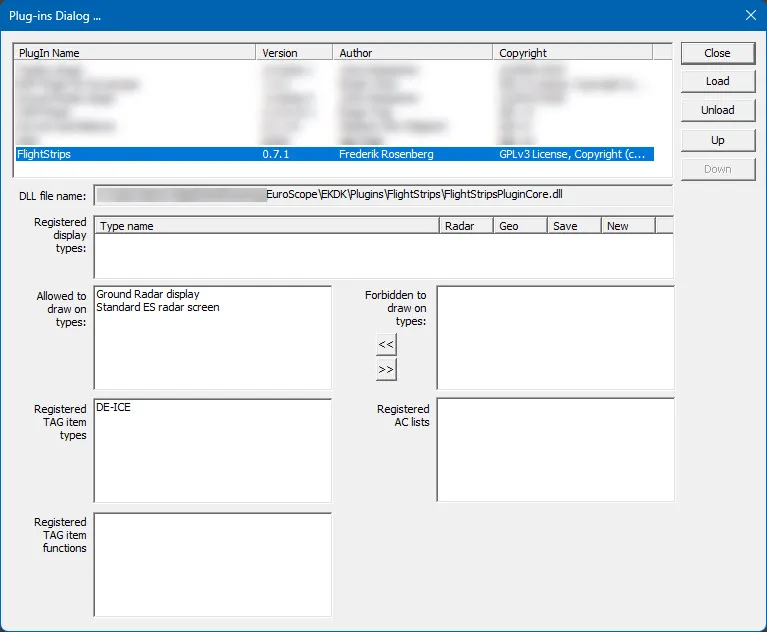
- Load the
FlightStripsCoreplugin. - Confirm the plugin is allowed to draw on screen.