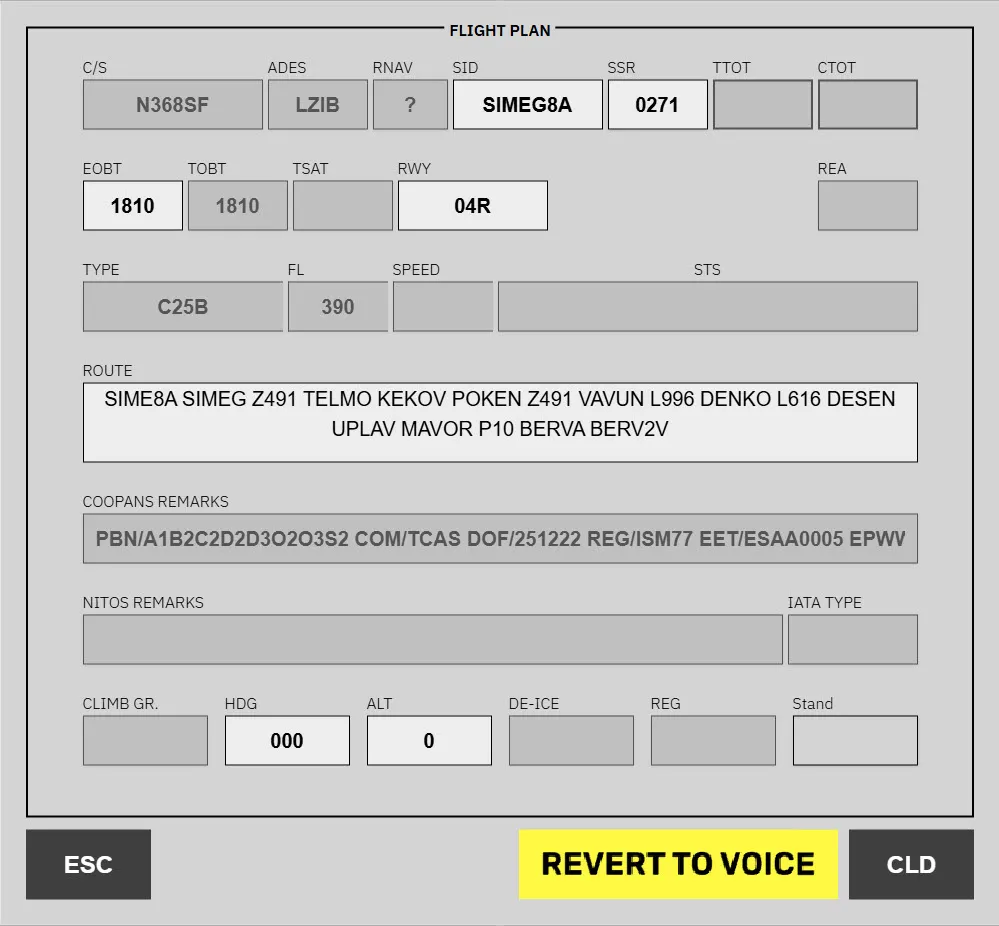
Clerance Delivery
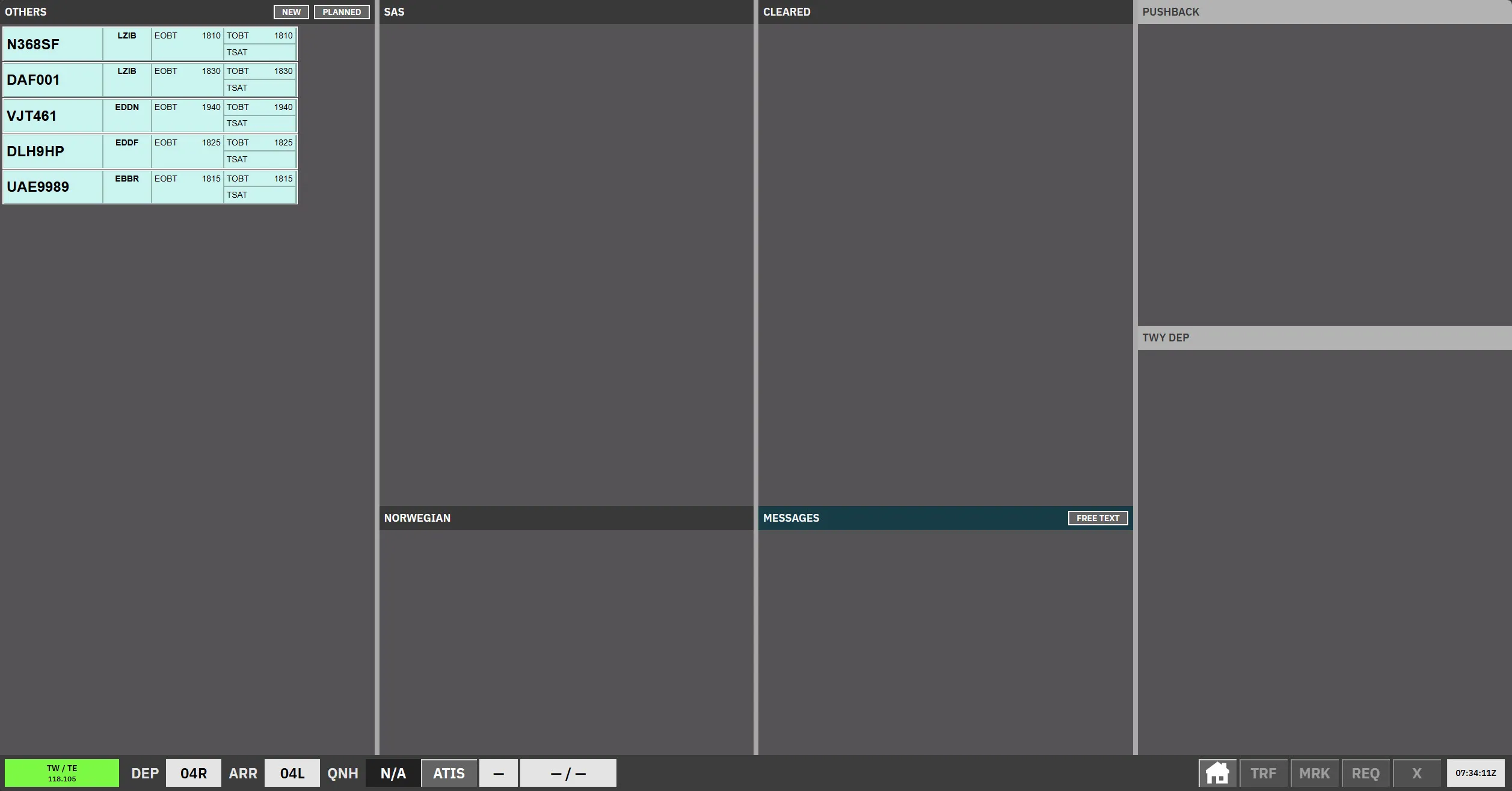
Use this workflow when you need to issue a new clearance to an aircraft.
Open the flight plan from the strip
Section titled “Open the flight plan from the strip”In the strip view, click the Destination/Stand column for the aircraft you are working on.
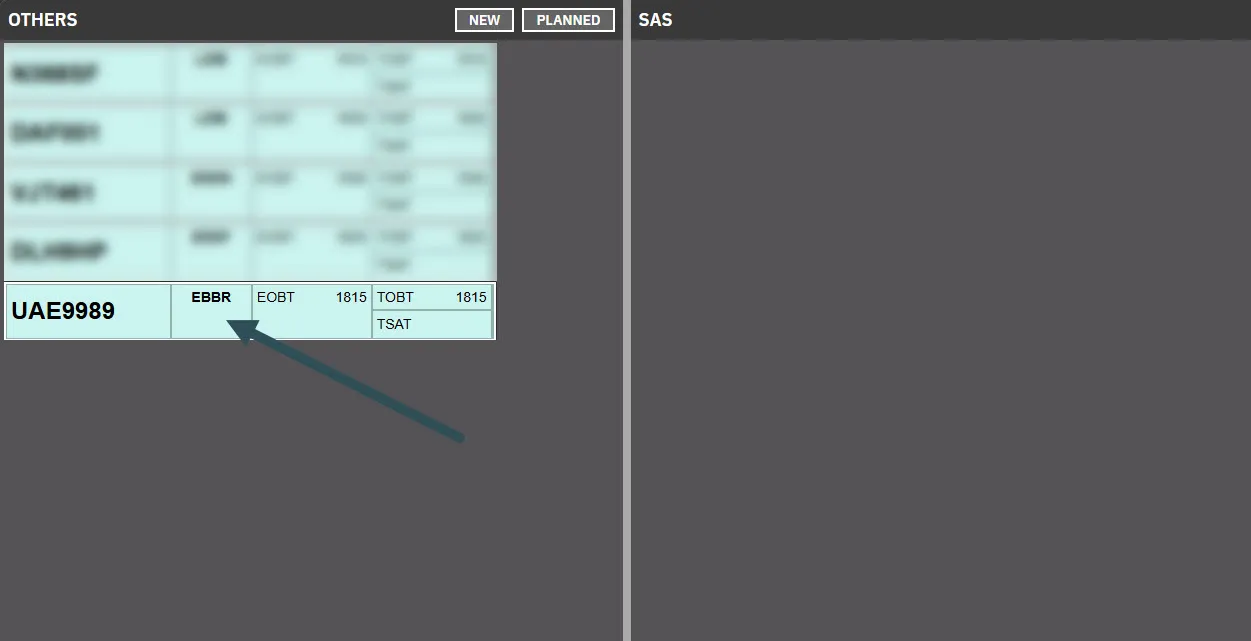
This opens the flight plan editor for that aircraft.
Review and update editable fields
Section titled “Review and update editable fields”The flight plan contains three field types:
- Disabled: Read-only fields. These cannot be changed by the controller and must be updated by refiling.
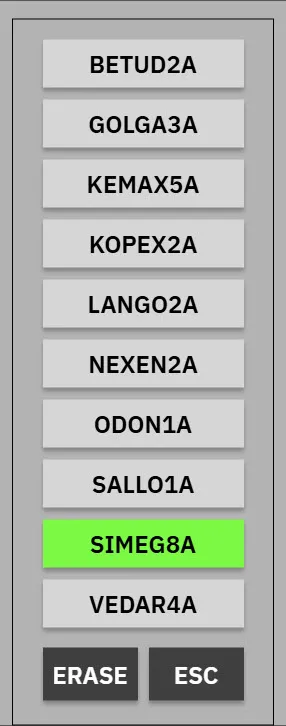
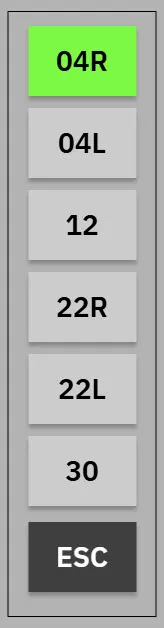
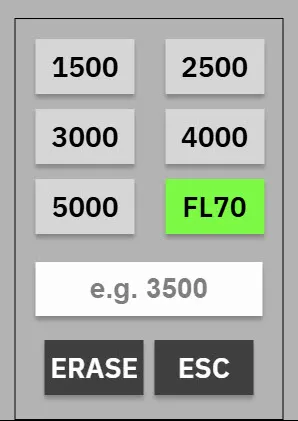
- Dropdown: Predefined options that are valid for the current strip.
- Free-text: Manually editable fields, such as
ROUTE.
Datalink/ Pre-Departure Clearance
Section titled “Datalink/ Pre-Departure Clearance”When a pilot submits a PDC/DCL to the FlightStrips system, the strip will turn either purple or yellow.
Automatic DLC
Section titled “Automatic DLC”Manual DLC
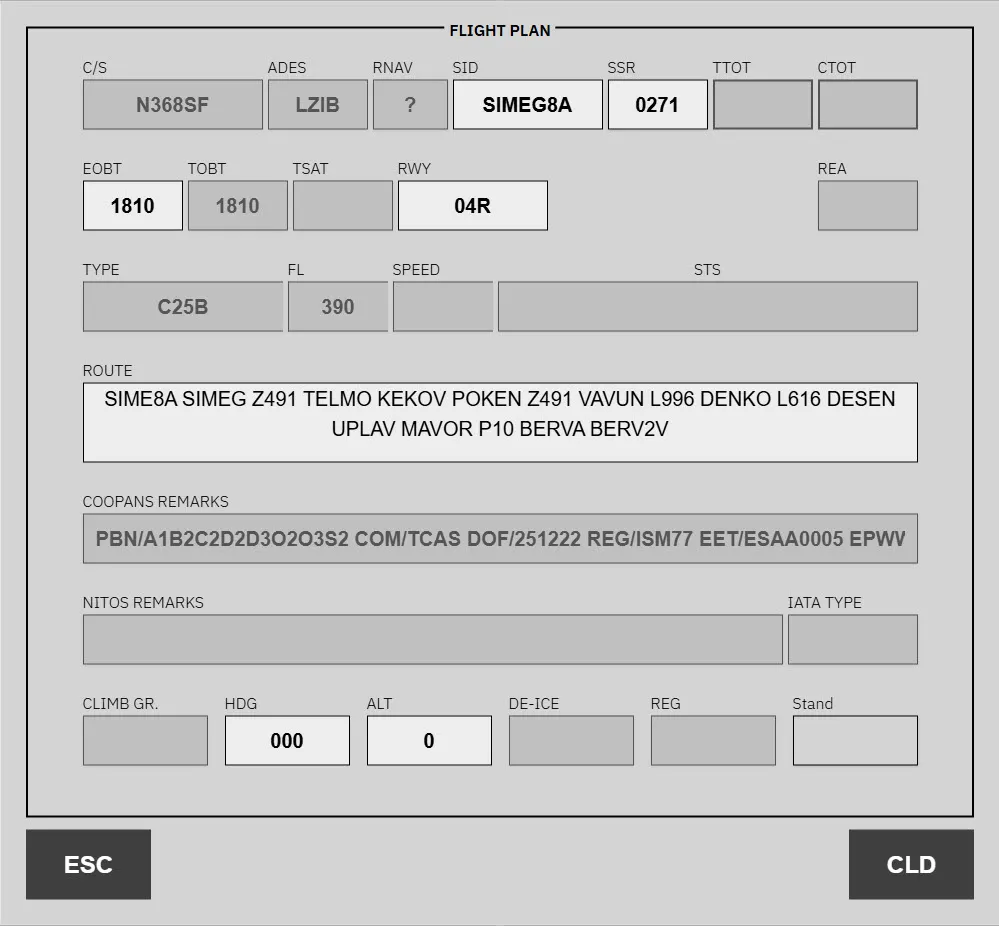
Section titled “Manual DLC”When there is an issue with the clerance or its malformed in some way, the strip turns yellow, alerting the controller to take action.
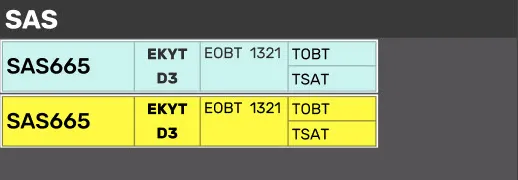
Clicking the destination/stand collum open up the normal flightplan clearance menu with an additional “REVERT TO VOICE” option, if there is more corridination needed with the pilot to correct their flightplan