Validation status
When a validation is active, the callsign cell blinks grey. Click it to open the Validation Status window.

How to resolve a validation
Section titled “How to resolve a validation”-
Click the blinking callsign to open Validation Status.
-
Read the message and use the action button if one is shown.
-
If no action button is offered, correct the issue on frequency, then click ACKNOWLEDGE.
Validation types
Section titled “Validation types”| Validation | Trigger | Action |
|---|---|---|
| Duplicate squawk | Two strips share the same squawk | ASSIGN NEW |
| Wrong squawk | Pilot transmitting a different squawk than assigned | Correct on frequency → acknowledge |
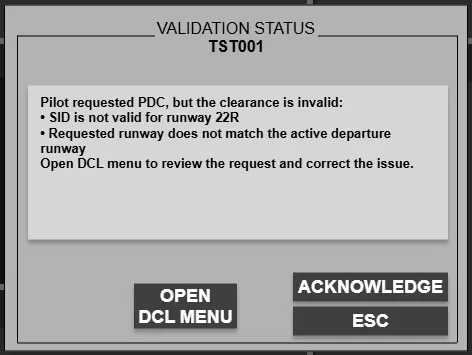
| PDC invalid | Invalid runway or SID in the PDC request | OPEN DCL MENU |
| Custom PDC | PDC request contains free-text or manual remarks | OPEN DCL MENU |
| No stand | Stand required but not assigned | ASSIGN NEW |
| Runway type | Assigned runway not suitable for the aircraft | OPEN DCL MENU |
| Taxiway type | Holding point incompatible with aircraft type/category | ASSIGN HS |
| CTOT | CTOT is more than 10 minutes away | ASSIGN HP |
| Landing clearance | Leading arrival not marked cleared to land | CLEAR TO LAND |
Duplicate squawk
Section titled “Duplicate squawk”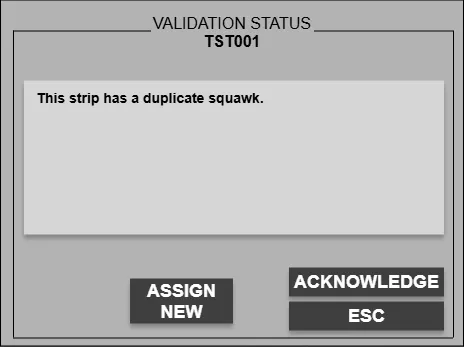
Two strips have been assigned the same squawk code. Click ASSIGN NEW to issue a new one.
Wrong squawk
Section titled “Wrong squawk”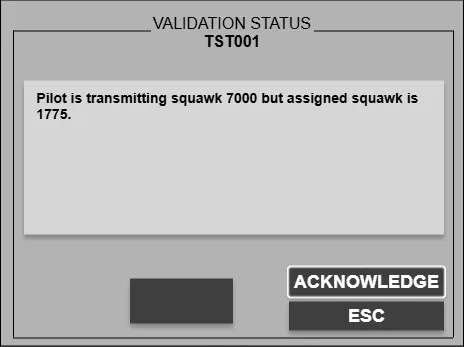
The pilot is transmitting a squawk that differs from the one assigned. Correct it on frequency, then acknowledge.
PDC invalid
Section titled “PDC invalid”
The PDC request contains an invalid runway or SID combination. Click OPEN DCL MENU to correct and re-send.
Custom PDC
Section titled “Custom PDC”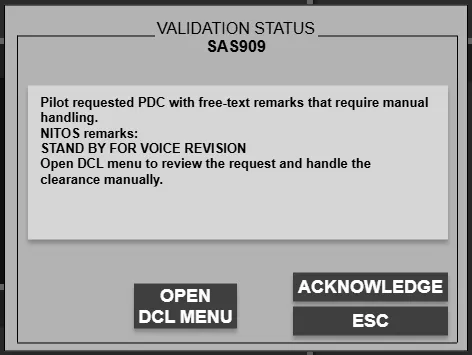
The PDC request contains free-text or manual-handling remarks that require review. Click OPEN DCL MENU to handle the clearance manually.
No stand
Section titled “No stand”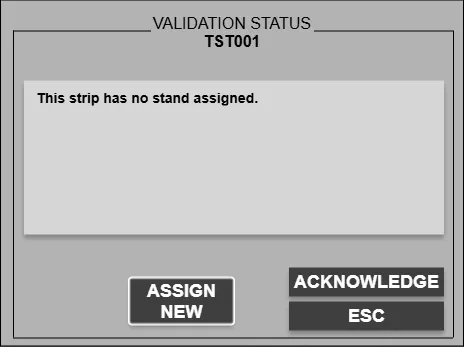
A stand is required but none is assigned. Click ASSIGN NEW to assign one.
Runway type
Section titled “Runway type”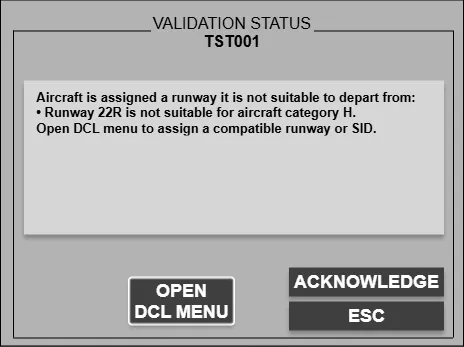
The assigned runway is not suitable for that aircraft type. Click OPEN DCL MENU to select a compatible runway.
Taxiway type
Section titled “Taxiway type”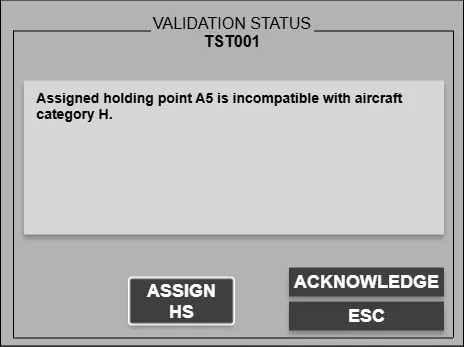
The assigned holding point is not compatible with the aircraft type or category. Click ASSIGN HS to assign a suitable holding point.
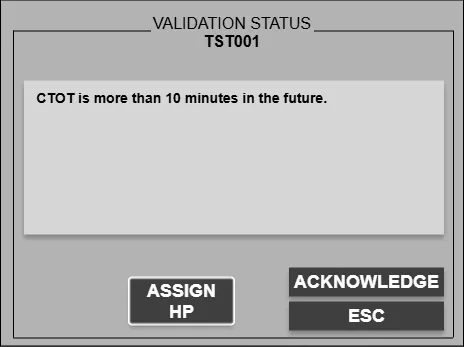
The effective CTOT is more than 10 minutes in the future — the aircraft should hold at a holding point rather than push. Click ASSIGN HP to assign one.
Landing clearance
Section titled “Landing clearance”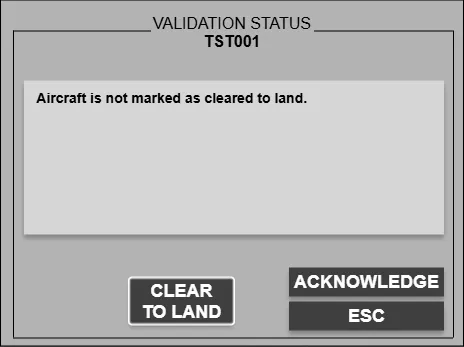
The leading arrival on final or runway arrival has not been marked cleared to land. Click CLEAR TO LAND to confirm.
For datalink strip states and PDC flow, see Pre-departure clearance.