CLR DEL
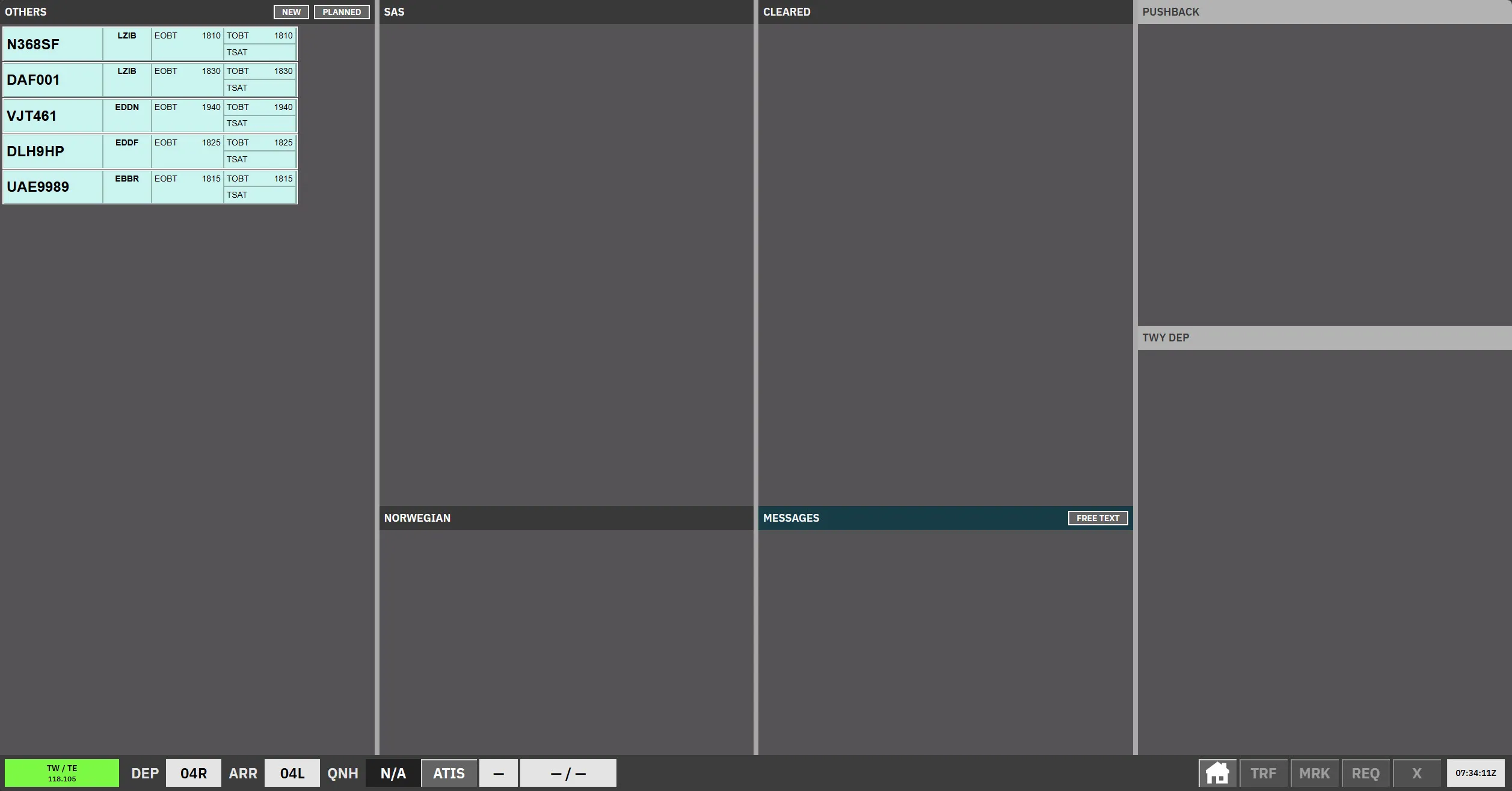
CLR DEL is the scope for EKCH_DEL when 121.905, 121.630, and 121.730 are all primed. Otherwise delivery uses SEQ PLN. Uncleared departures sit in airline bays; issuing a clearance automatically moves the strip to Cleared.
In AA + AD, APRON ARR, and APRON DEP, these strips use the small format while another operational controller covers CLR DEL. In TWR + GND, TE + TW, and GE + GW, they use the small format while another operational controller covers any APRON sector. Otherwise they use full-size strips.
Bay overview
Section titled “Bay overview”| Bay | Strip type | Notes |
|---|---|---|
| Others | Uncleared | Sorted top-down (opposite to most bays). |
| SAS | Uncleared | Airline grouping. |
| Norwegian | Uncleared | Airline grouping. |
| Cleared | Cleared | Strips move here after CLD. |
| Messages | Messages | Coordination / free-text. |
| Push back | Departure locked | Locked — context only. |
| TWY DEP (upper) | Departure locked | Locked. |
| TWY DEP (lower) | Departure locked | Locked. |
Messages
Section titled “Messages”FREE TEXT opens the message composer. The top-left field is a read-only preview of the text that OK sends. Presets, a single TWY selection, RWY selection, + CLOSED, + OUT OF USE, and additional free text can be combined. Offline recipients are disabled using the same direct and cross-coupled coverage rules as manual transfer; BROADCAST clears individual recipient selections.
Optional UTC times use the keypads: NOW sets the start time and UFN
sets an open-ended end time. They append STARTING AT HHMM, until HHMM/UFN.
Each time panel’s ERASE clears that time. The recipient panel’s ERASE
removes the last word of the message text, DELETE MESSAGE clears all content
and timings, and ESC closes without sending. The existing 120-character
limit applies to the complete message; invalid times and overlong messages are
shown explicitly and cannot be sent.
AUTO uses large message-strip text for a single recipient and small text for broadcast or multiple recipients. SMALL and LARGE override it for everyone receiving the message.
Cleared strips
Section titled “Cleared strips”Completing a voice clearance immediately assigns the strip to SEQ PLN when 121.905 or 119.905 is primed or cross-coupled, preferring coverage of 121.905. For PDC, ownership changes only after the pilot acknowledges. The issuing scope does not change this selection. No receiving-controller acceptance is required.
- Any G or APRON SOUTH stand: SEQ PLN → GE 121.830 → the applicable tower.
- W1, RI, RII, RIII: SEQ PLN → GW 118.580 → the applicable tower.
- Other stands: SEQ PLN → AD 121.730 → the configured ground/tower route. Consecutive steps carried by the same primary do not create a self-transfer.
CLR DEL on 119.905 acts as SEQ PLN when no controller carries 121.905. If neither planner frequency is carried, SQ is skipped and the strip goes directly to the stand’s AD, GE, or GW controller, using configured combined coverage when needed. Inheriting the SQ sector alone does not count as planner staffing. If no route or recipient can be resolved, ownership stays unchanged.
The strip remains blue in Cleared here after ownership passes to SEQ PLN and appears simultaneously in STARTUP on SEQ PLN and apron. Ownership alone does not turn the CLR DEL strip gray; tag-request and closed-runway highlights still apply. Cross-coupled coverage assigns the controller’s primary frequency as owner.
Issue a clearance
Section titled “Issue a clearance”Planned departure time colors
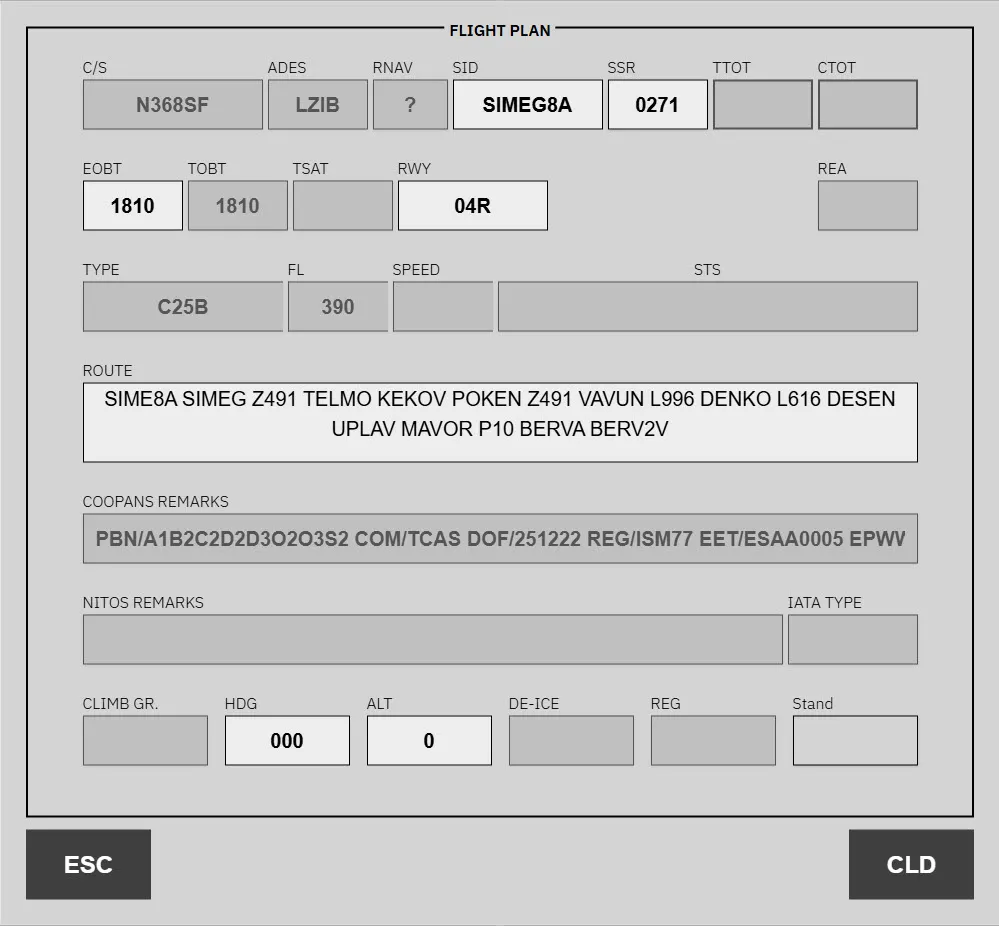
Section titled “Planned departure time colors”In the flight-plan dialog, TSAT is read-only and uses the same background as TTOT. The white REA field sends a ready request and displays REA after confirmation. It sets TOBT to the current UTC time only when TOBT is more than six minutes in the past or future; otherwise TOBT is unchanged. Other READY controls retain their existing timing rules.
TOBT and TSAT have no timing or invalid-phase coloring while a departure is in a planned departure bay. Coloring activates after clearance. This applies across all scopes and EST. TOBT colors and past-TOBT/EOBT warnings stop once a departure enters TWY DEP and remain disabled for later stages and inbounds. CTOT coloring is unchanged.
RNAV indication
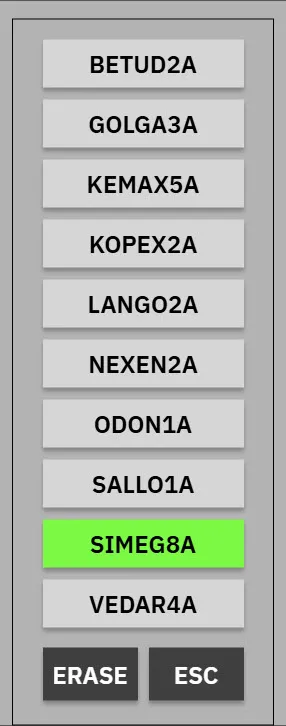
Section titled “RNAV indication”The RNAV field is blank when RNAV 1 is available; otherwise it shows NON for filed RNAV 2, 5, 10, or NIL. Clicking the field opens the SID/RNAV menu without changing the flight plan.
The following aircraft types are assumed to have RNAV 1 for display and RNAV
validation, regardless of their filed equipment/PBN value:
A3**, B736, B737, B738, B739, B38M, B744, B748,
B752, B753, B762, B763, B764, B77*, B78*,
BCS3, AT**, DH8D, CRJ*, E***, and MD8*.
Each * matches exactly one letter or digit. This assumption does not rewrite
the flight plan. RNAV 1 availability also clears the RNAV error highlight and
obsolete RNAV validation remarks immediately, without hiding unrelated faults.
When RNAV 1 is assumed rather than filed, INTERNAL REMARKS shows:
“Aircraft filed without RNAV capability, but corrected based on A/C Type.
Consider verification if deemed relevant.” This is informational and does not
change the external flight-plan remarks.
Pressing REMOVE NON RNAV applies RNAV 1 immediately: the equipment R
marker is added if missing, and the PBN entry is replaced with
PBN/A1B1C1D1S1S2, preserving unrelated remarks. The RNAV field then becomes
blank; merely opening or dismissing the menu does not clear NON.
-
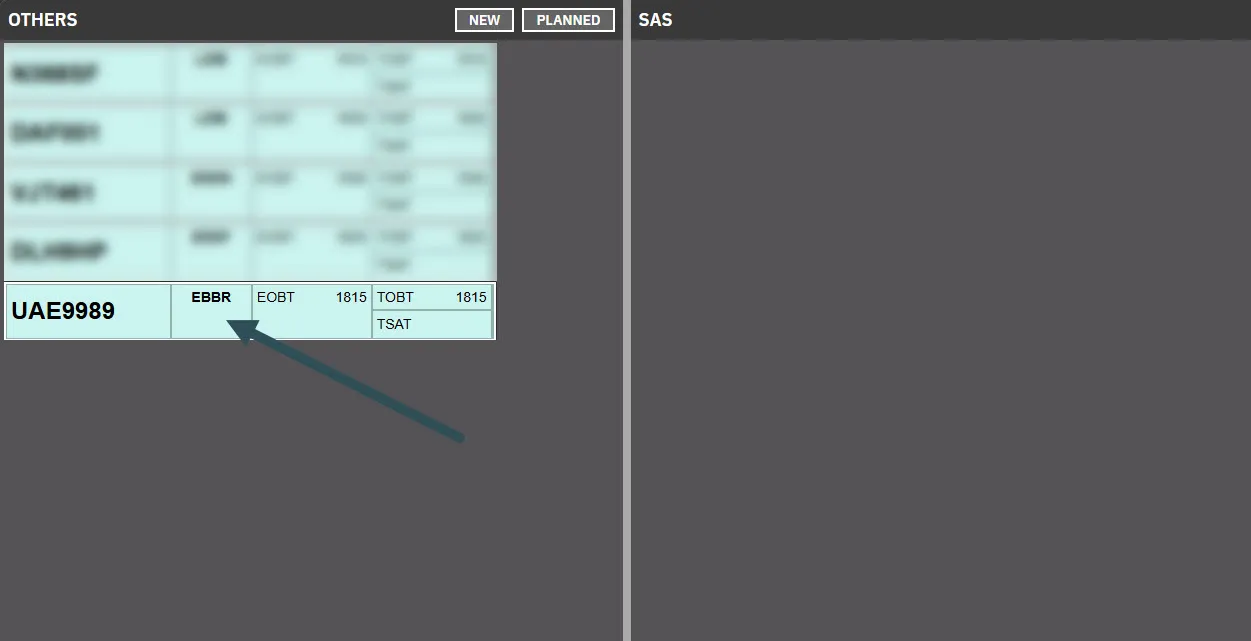
Click the Destination / Stand column on the strip.
-
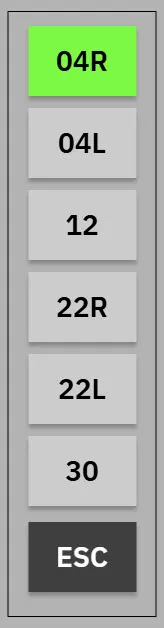
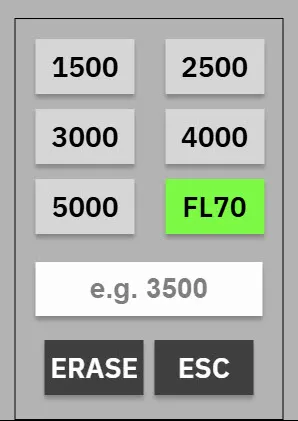
Review and update fields in the flight plan editor.
- Disabled — read-only; pilots must refile to change.
- Dropdown — valid options for this strip.
- Free-text — e.g. ROUTE.
-
Click CLD to confirm the clearance and move the strip to Cleared.
Pre-departure clearance (PDC / datalink)
Section titled “Pre-departure clearance (PDC / datalink)”CLR DEL only needs to act when a PDC request raises a validation or contains manual remarks.
NEXT FRQ uses the same stand-specific recipient selection as automatic clearance ownership, including combined and cross-coupled coverage. It is the receiving controller’s primary frequency. If no route or recipient resolves, PDC cannot be issued. Ownership still changes only after pilot acknowledgment; the frequency is selected when the clearance is issued.
| State | Strip | Action |
|---|---|---|
| PDC invalid | Callsign blinks grey | OPEN DCL MENU in the validation dialog |
| Custom PDC | Normal strip; validation prompts manual handling | OPEN DCL MENU |
| Cleared via PDC | Strip in Cleared with navy callsign until pilot acknowledges | — |
Use REVERT TO VOICE in the DCL window to abandon the datalink path.
See Pre-departure clearance and Validation status.
Related
Section titled “Related”- AA + AD — combined apron after handoff
- SEQ PLN — startup sequencing
- Apron Departure — B/C_GND split layout