Clearance Delivery
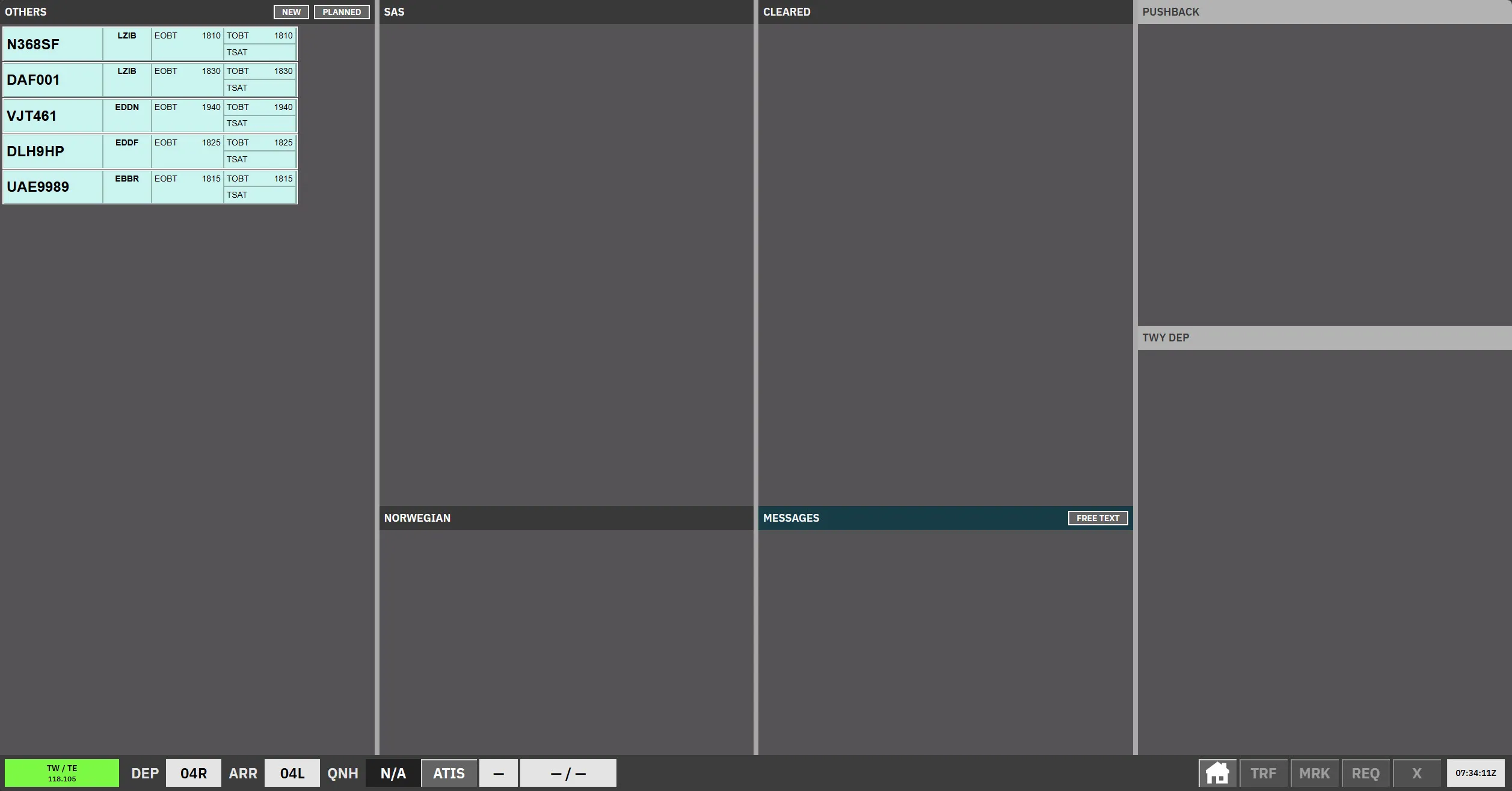
Issue a clearance
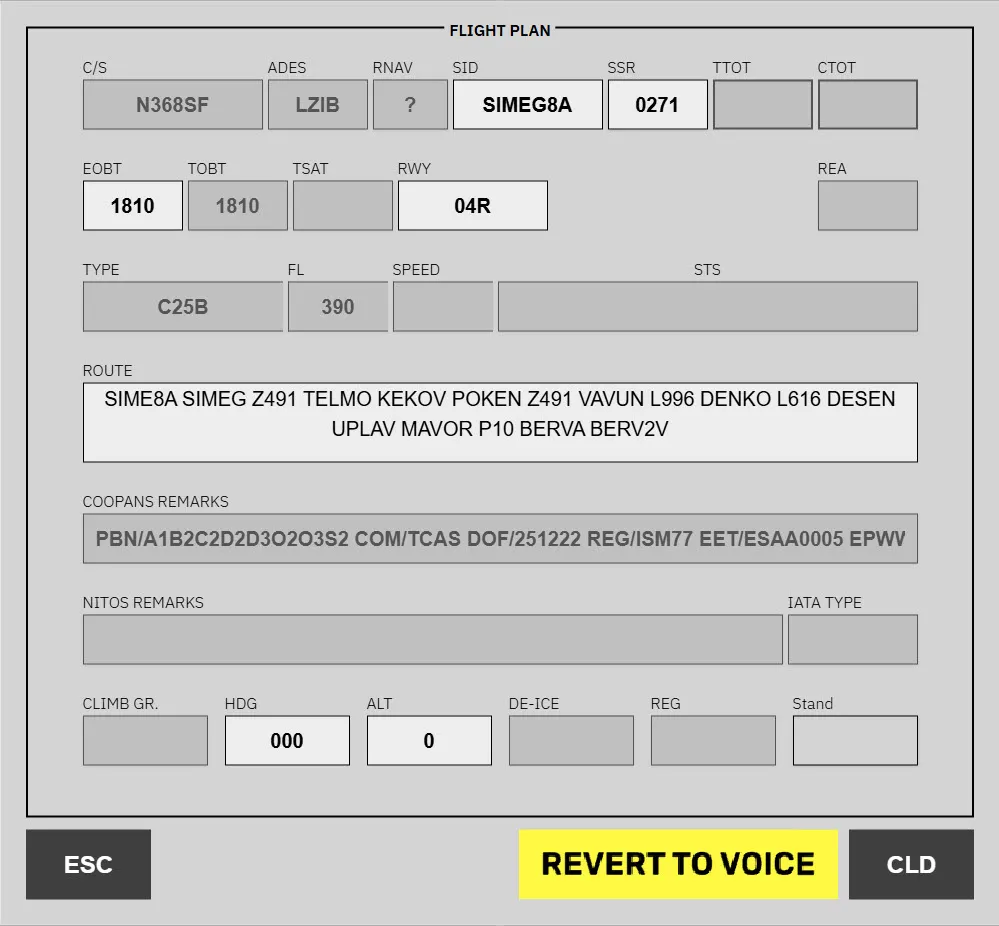
Section titled “Issue a clearance”Click the Destination / Stand column on the strip to open the flight plan editor.
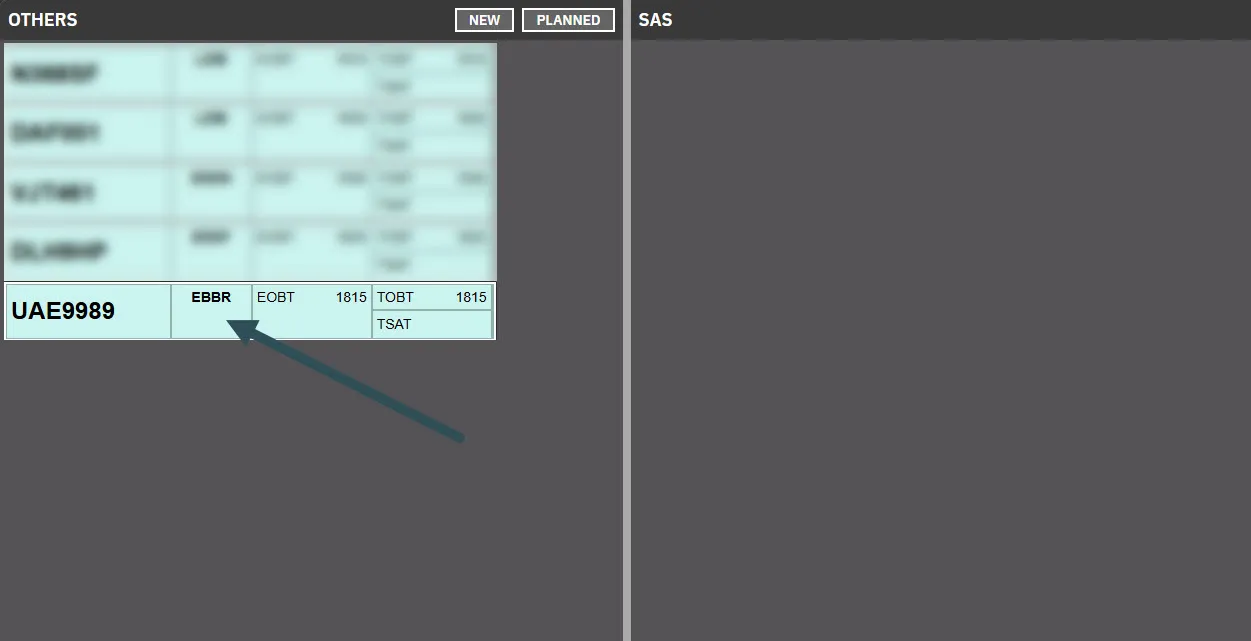
The flight plan has three field types:
- Disabled — read-only; pilots must refile to change.
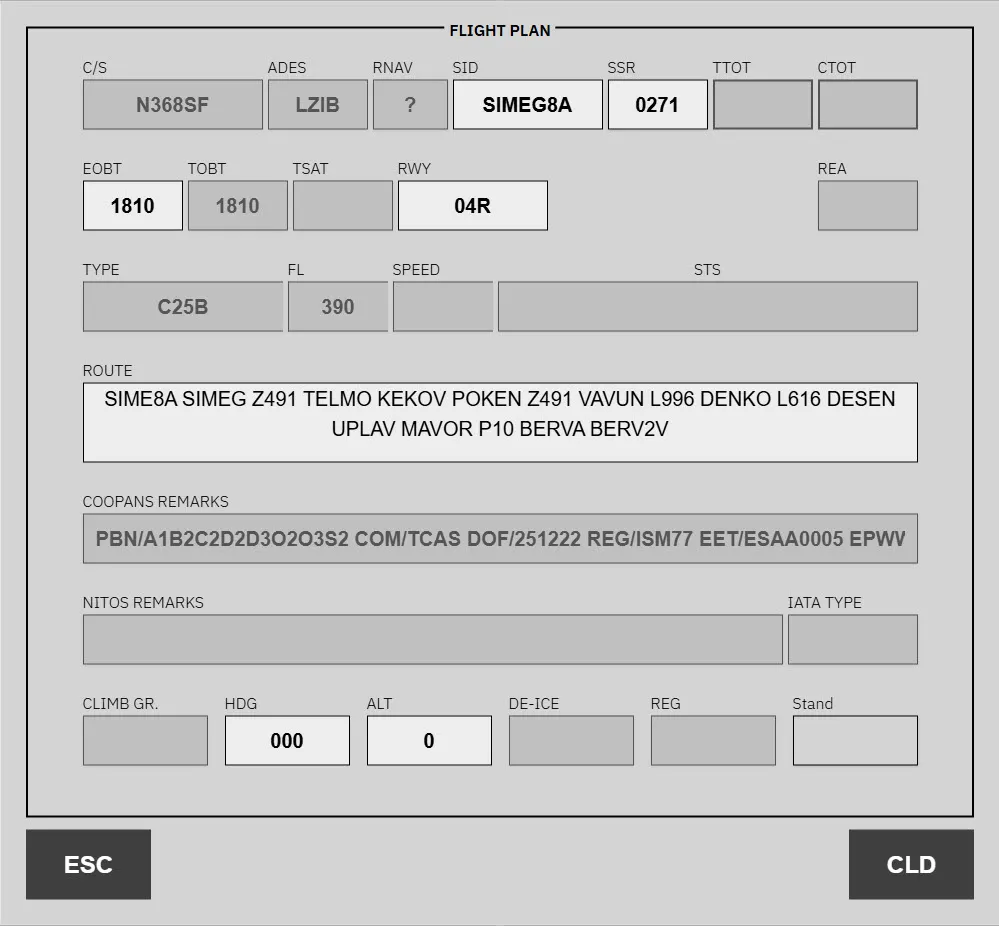
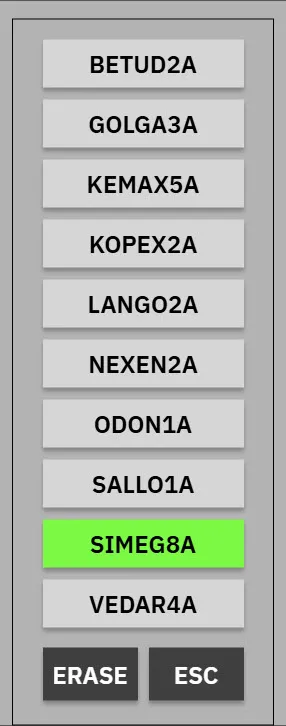
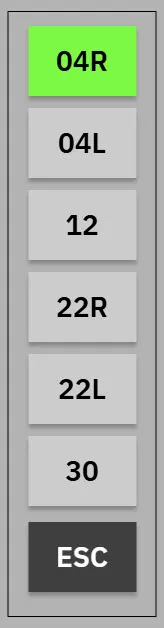
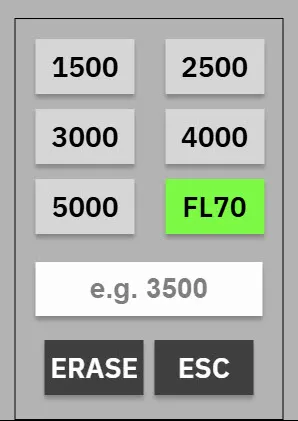
- Dropdown — valid options for this strip.
- Free-text — manually editable, e.g.
ROUTE.
Datalink / Pre-departure clearance (PDC)
Section titled “Datalink / Pre-departure clearance (PDC)”When a pilot submits a PDC/DCL request, the strip changes colour to indicate its state:
- Purple — PDC received and valid; no controller action required.
- Yellow — PDC contains an issue or manual remarks; controller action required.
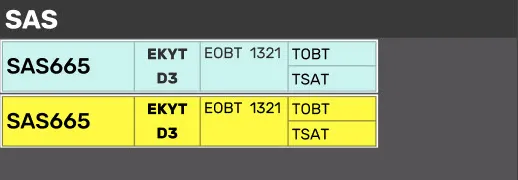
For a yellow strip, click Destination / Stand to open the flight plan with an additional REVERT TO VOICE option — use it if further coordination with the pilot is needed.
For full PDC strip states and validation details, see Pre-departure clearance and Validation status.